
HCSS Article – Is My HeavyBid Setup Correctly?
This is a good article from my friend Ray Zanon with HCSS. When I do a coaching session or come to your office I have a checklist of items that I go through so I can do an in-depth check of your HeavyBid setup and…
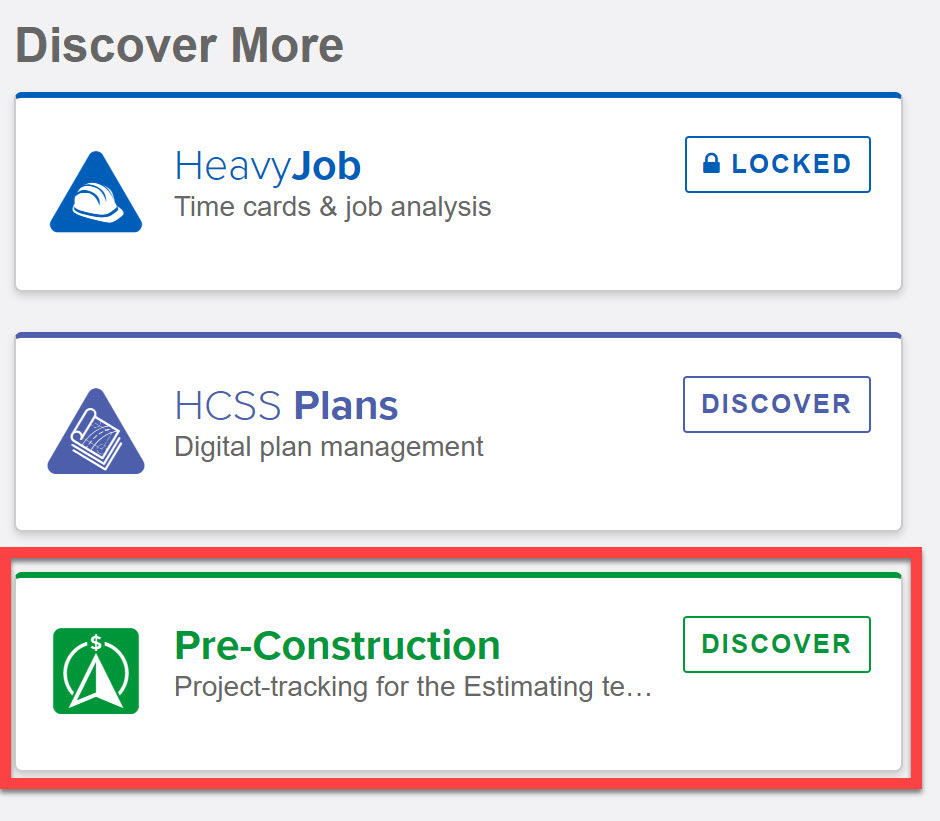
How to access the NEW Pre-Construction App
I have been seeing a lot of interest in the new web app HCSS is rolling out which will assist you in tracking potential projects. It was introduced at the last UGM. You can try it out now for no cost, but the catch is you…

HeavyBid Coaching: the Next Level
An estimating coach can help with that. I have been thinking a lot about how my company can better assist HCSS customers. Usually, after training, whether typical training or at even a UGM, the trainee is on their own to implement everything they have learned….


Estimate/Production History Variance Setting
The ability to see HeavyJob data in HeavyBid and in the Estimate History is awesome, but there is a setting that will give you more results when you do a query. The default in Tree View Binoculars is to return plus or minus 25% of…
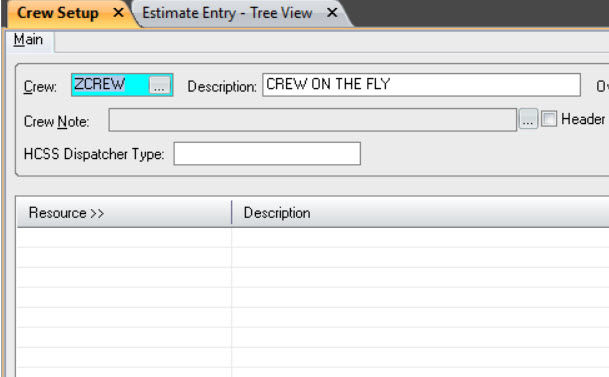
Crew on the Fly
When I set up a new customer I recommend that they set up a blank crew along with their standard crews. I would set the crew code to “ZCREW” and the description to “CREW ON THE FLY”. There will be no labor or equipment saved…

Checklists in HeavyBid – Video
Checklists are a good way to keep different checklists running for the estimating team for an estimate. Like anything else in HeavyBid to really make use of this tool, you need to add and customize the checklists beyond what comes with the original HeavyBid install….
HCSS Custom Reports
If there was “my most important blog post of the year” category this would be it. HCSS has a great custom reports group that can do amazing things for a very reasonable price. It is a service that HCSS struggles to get the word out…
HeavyBid Keyboard Shortcuts
Want to speed up your HeavyBid session? Learning some keyboard shortcuts can really make a difference in your productivity in HeavyBid. Watch this Youtube video where I cover the most important keyboard shortcuts. Start with a few (I suggest some of the ones in Treeview)…
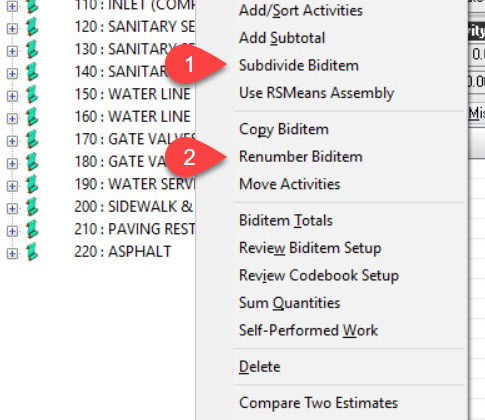

Right Click Bid Item Options
In Tree View if you have not right clicked on a biditem in a long time you need to. Two fairly new options I like. First one is the ability now to subdivide a biditem even if it has activities (1). All the activities in…
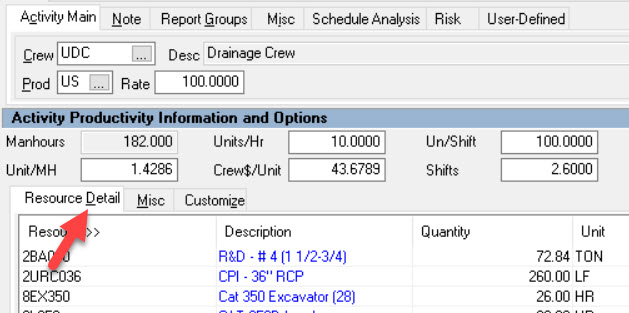
Make Visible Shortcut Keys in HeavyBid
There is a setting in the Microsoft operation system that allows shortcut keys to be visible. Your screen if this has been activated on your computer (or your remote session) should like this in Tree View. Each underline key can be activated by pressing the…

HeavyBid – Basics and Beyond is devoted to everything HCSS HeavyBid and estimating. Updated regularly with helpful insights and tools of the trade, this blog is designed to make your estimating easier and more successful.